



How To Reset Mazda Service Maintenance Light
Resetting a Mazda service light is easier than you might think. One moment you’re just driving along, and then all of a sudden, it’s there: That dreaded yellow symbol illuminates on your dashboard, and you find yourself starting to worry. Even after addressing the cause for the light – especially if you do the work yourself – there’s also the issue of a Mazda CX-90 or Mazda3 maintenance light reset. Luckily, you have access to our Gunther Mazda service team for assistance.
We’re highly adaptable and can perform a Mazda service light reset in little to no time once we address the underlying cause for the symbol’s appearance. In fact, we can do it so well that we’re going to tell you how. That being said, when your Mazda service past due message comes on, the professionals at Gunther Mazda are happy to help you keep your hands clean of grease and do the dirty work for you – we’ll tune up your vehicle, remove the light from your dashboard, and have you on your way in no time. Read on to learn more about resetting any indicators yourself, or reach out to our team now!
What Types of Maintenance Symbols Populate?
If you need your Mazda maintenance light reset, follow our quick steps below to resolve the matter in a flash.
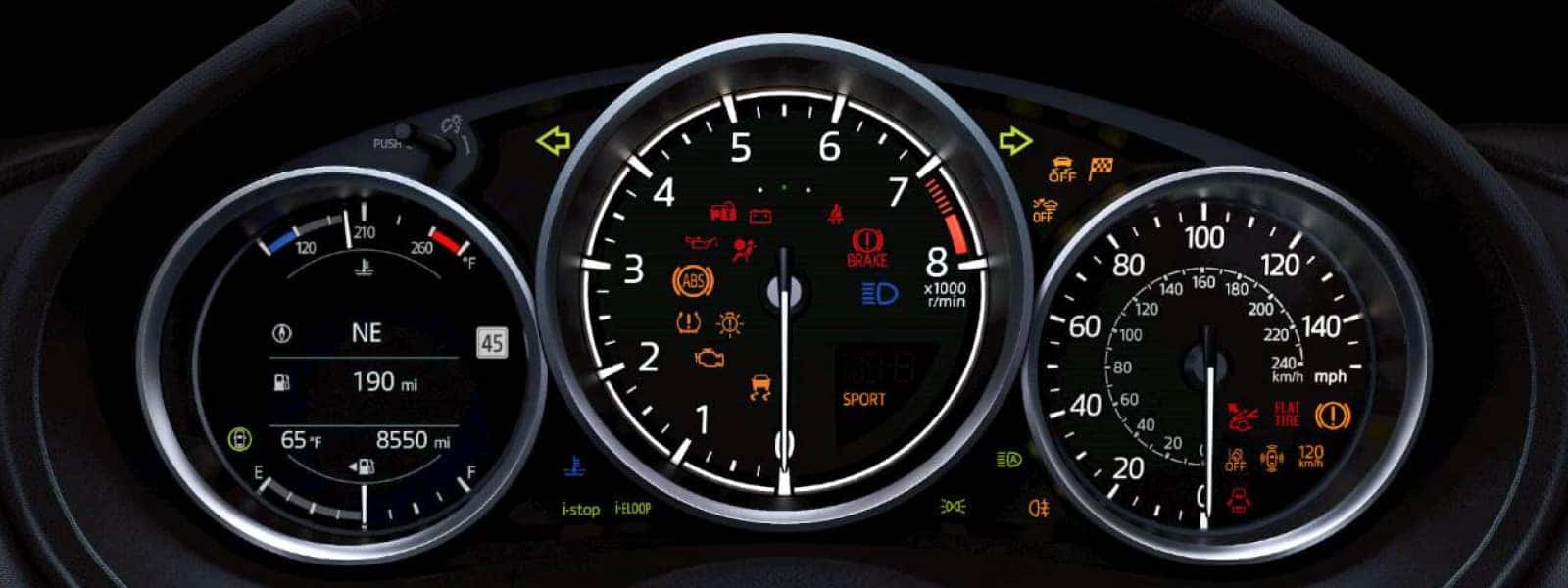
Whether you’re trying to perform a service reset for your 2018 Mazda6 or a newer model, pull out the owner’s manual and refer to the section on Mazda warning lights and indicators to determine the meaning of a specific symbol. The Mazda service light for routine maintenance, also called the Wrench Indicator Light, is represented by a wrench symbol.
Feel free to schedule a service center appointment at your earliest convenience when it appears. Our talented team can readily work on a Mazda CX-5 service reset – or one for any other Mazda model – and get you back on the road with the confidence you deserve.
That being said, we know some DIY experts will read this who are more than willing to perform basic upkeep tasks right from their own garage. If you fall into this camp, we can still help you reset the service light on your own. First off, your owner’s manual can guide you on what routine upkeep is required – refer to the “Scheduled Maintenance” section to see what your car likely requires based on its age and mileage. The tasks should be relatively similar whether you have a Mazda3, Mazda CX-50, or Mazda CX-30.
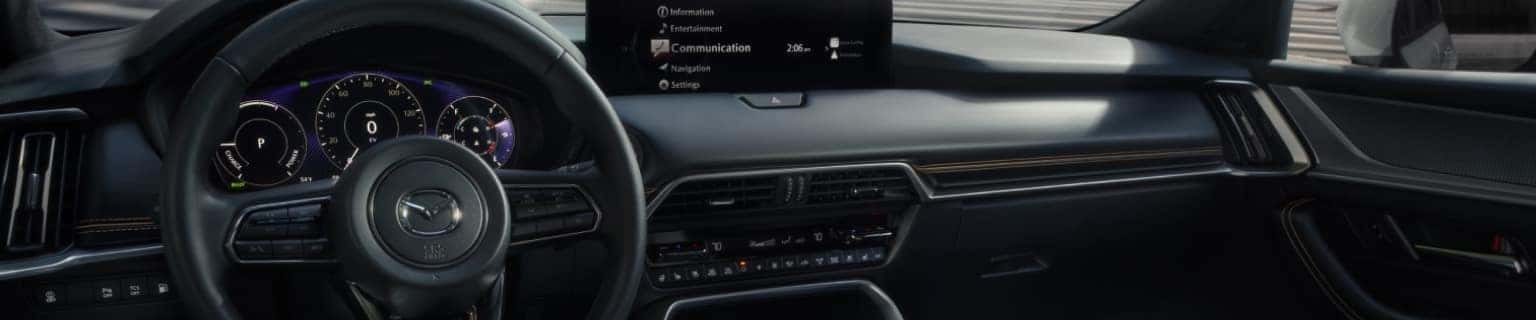
Let’s say you’re approaching your first 6-month or 5,000-mile service interval for your brand-new Mazda CX-90 and the Wrench Indicator Light appears along with a “Service Due Soon” message. Once you’ve changed your oil and inspected your brake discs, coolant and brake fluid levels, tire pressure, and general lighting functionality, all that’s left is to reset the service light. Simply follow these navigation steps from the Mazda Connect™ touchscreen home to reach the “Reset Oil Change Distance” option:
- Information
- Vehicle Status Monitor
- Vehicle Maintenance Settings
- Reset Oil Change Distance
Here are some other maintenance and warning symbols that may populate on your dashboard that many DIY champions choose to address at home:
- Engine Oil Level Warning Light: Looks like an oil can with a droplet emerging from the spout and squiggly fluid lines underneath; indicates that oil levels are low.
- Low Washer Fluid Amount Warning Light: Represented by a windshield with two arching spouts of fluid; lets you know to add washer fluid to your vehicle.
- Tire Pressure Monitoring System Warning Light: Depicted as a set of parentheses with an exclamation point in between and tire tread below; advises that tire pressure is low in one or more tires when solid (blinking indicates a system malfunction that requires professional attention).
These lights should automatically turn off when the issue is resolved – if they persist, please bring your model to your local Mazda dealer, such as Gunther Mazda. We can diagnose the reason for the ongoing warning in your Mazda CX-5 or other Mazda automobile.
How To Reset Mazda Service Light
We’ve outlined the steps we would take if we needed to reset a Mazda service maintenance light for an oil change. However, you can also select and reset other symbols from the in-car menu. If you’re looking to learn how to turn off a light on a 2026 Mazda CX-30, follow the general instructions below. Always ensure that the underlying cause has been properly rectified before resetting a light.
- Turn on your Mazda vehicle.
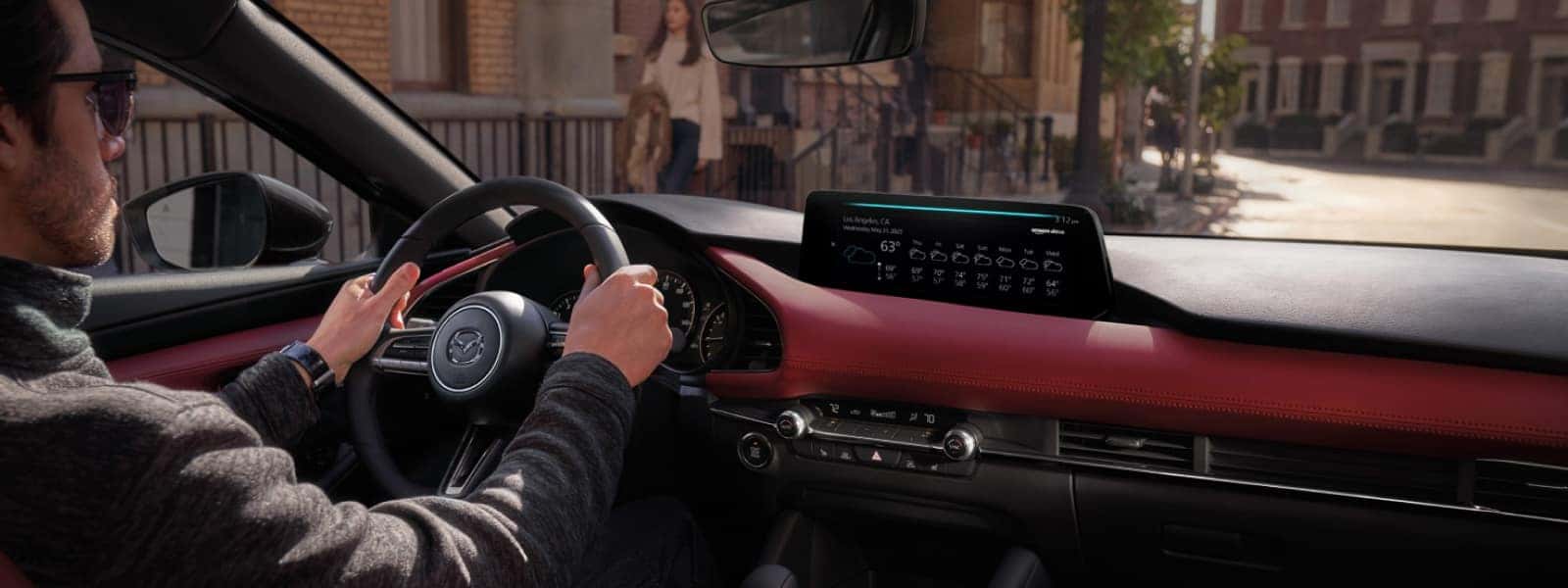
- Go to your touchscreen and select “Information” from the Mazda Connect™ menu. Older models may require you to search through the Mazda Connect™ infotainment applications menu.
- Select “Vehicle Status Monitor” from the “Information” page.
- Tap “Vehicle Maintenance Settings” and navigate to the light you want to turn off. Earlier versions of Mazda automobiles may label this section simply as “Maintenance.”
- From there, tap the “Reset” button from the menu. After this, the light should begin its reset process.
Keep in mind that a maintenance reminder or service light is not the same as the Check Engine Warning Light. The Check Engine Warning Light can indicate a variety of problems and requires advanced diagnostics tools to check the code(s) as a means of determining any faults. So, if your Mazda CX-30 Check Engine Warning Light is illuminated, our professional service advisers and technicians are here to help. Whenever you need assistance with your auto care, Gunther Mazda is your go-to dealership to resolve any engine problems you may have.
Frequently Asked Questions About How To Reset Mazda Service Maintenance Light
What does the service light mean on a Mazda?
The Mazda service light indicates that you’re either approaching your next scheduled maintenance interval or are overdue for it. In the case of the former, the Mazda Wrench Indicator Light will be accompanied by a “Service Due Soon” message. Meanwhile, if you’re past your interval, the Wrench Indicator Light and “Service Due Soon” message will be joined by a second message: “Service Past Due.”
Can I drive my Mazda with the service light on?
We highly recommend that you don’t continue driving frequently while the Mazda service light is on, especially if you see the “Service Past Due” message. Continuing routine driving when your vehicle requires upkeep can result in vehicle damage. Bring your car to Gunther Mazda – we’ll tune it up for you and have you driving safely again in no time.
How do you turn off the service light on a Mazda?
Once you’re sure you’ve inspected and replaced all necessary components and consumables, you can turn off the Mazda service light with the following method:
- Turn on your vehicle.
- Navigate to the “Vehicle Status Monitor” menu under “Information.”
- Find and press “Vehicle Maintenance Settings.”
- Select “Reset Oil Change Distance,” and the Mazda service light should turn off.
How do you reset the “service soon” light on a Mazda CX-5?
The “service soon” light is the same as the Mazda Wrench Indicator Light, accompanied by the “Service Due Soon” message. You can reset it on your new or late-model Mazda automobile by going to the “Information” menu, clicking “Vehicle Status Monitor,” selecting “Vehicle Maintenance Settings,” and then choosing “Reset Oil Change Distance.”
How do you reset the “oil service due soon” light on a Mazda CX-9?
Resetting the “oil service due soon” light on a Mazda CX-9, as with most Mazda cars, is the same as resetting the service light and is done through the infotainment system. Click on the “Information” tab via your touchscreen, scroll down to “Vehicle Status Monitor,” choose “Vehicle Maintenance Settings” next, and then select “Reset Oil Change Distance.”
How do you reset the “service engine soon” light on a Mazda3?
This depends on what you mean by “service engine soon.” If you’re referring to the Check Engine Warning Light, then we always recommend having your vehicle serviced by our Mazda professionals, as we can identify the problem with advanced tools – we’ll reset the light after performing maintenance. If you’re referring to routine engine maintenance, like an oil change, the method is the same as resetting the service light.